Offboard and hand over
For engineering managers, administrators 5 min read
When someone leaves, ELOS revokes their access, releases what they own to a successor, and keeps what they knew.
Before you begin
- The Manage people permission.
People move on. What they knew shouldn't. Offboarding in ELOS closes their access, hands their responsibilities to someone else, and preserves their knowledge footprint as organizational memory.
Offboard someone
- Open the person's page and choose Offboard.
- Read the confirmation. Offboarding can't be undone.
- Choose Offboard to confirm.
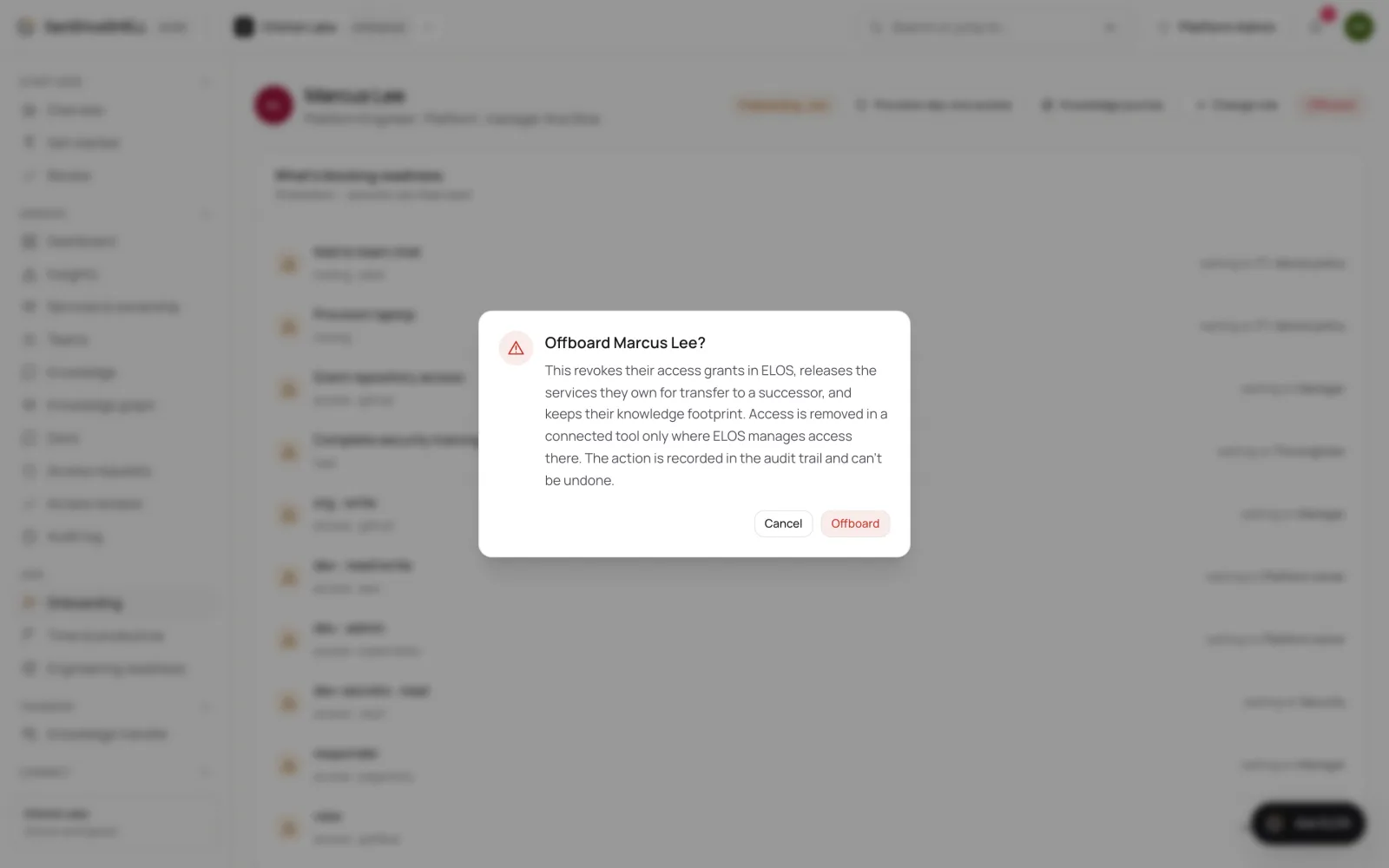
What ELOS does
- Access: their active grants are revoked.
- Ownership: services they owned are released for transfer and flagged, so none is left without an owner. ELOS recommends a successor.
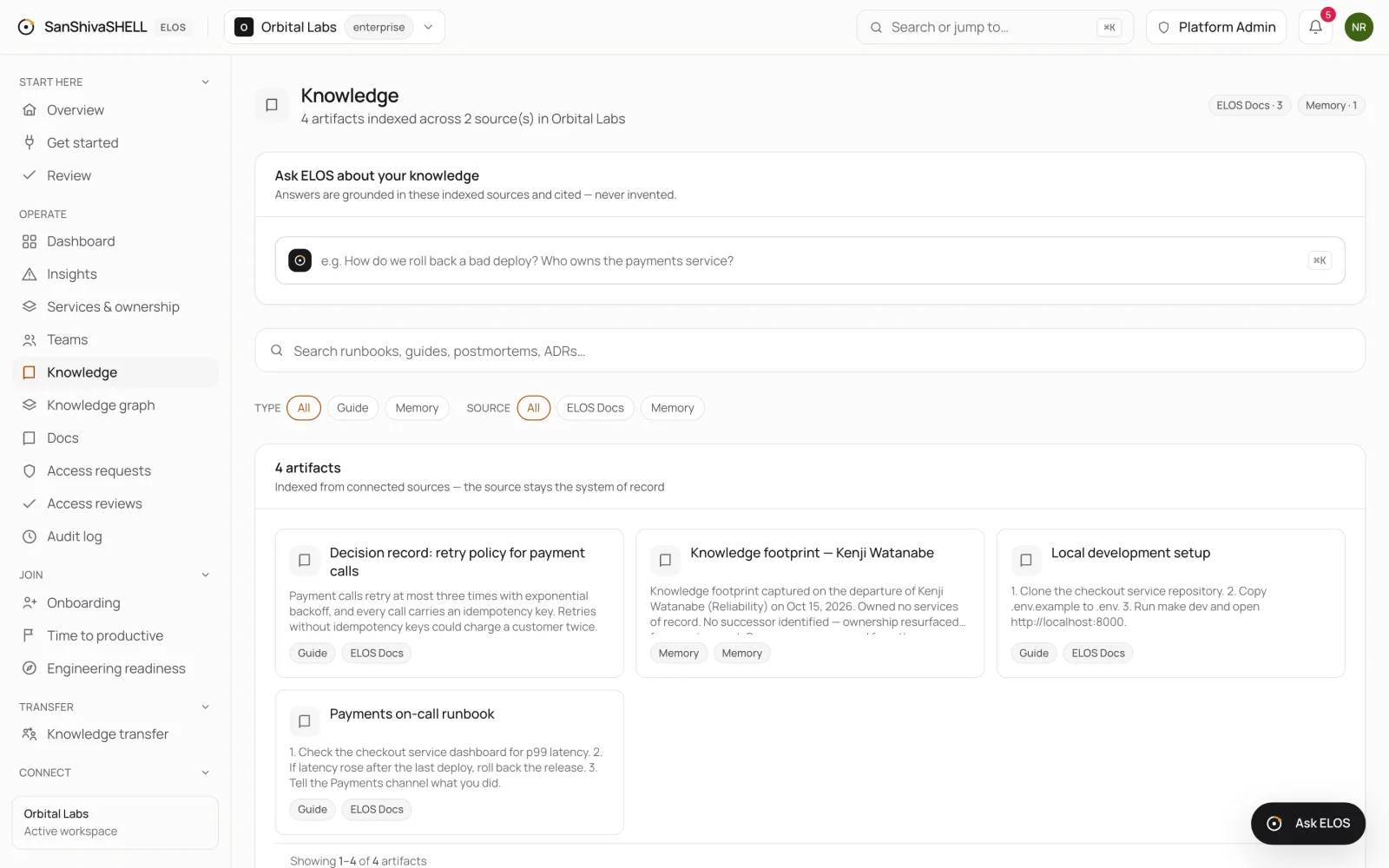
- Knowledge: ELOS captures a knowledge footprint: what they owned, who succeeds them, and where it came from. It's added to your organization's knowledge, so Ask ELOS and search still find their expertise after they've gone.
- Lifecycle: they move to Departed · Transfer.
Knowledge transfer
When the person owned services, their page shows a Knowledge transfer plan with a Successor and a task for each service. Completing an ownership task reassigns that service to the successor.
- Open Knowledge transfer in the menu to see every handover, open and completed, with its successor and progress.
- Open a handover. If it has no successor, choose Assign successor, search for the person who takes over and save. Use Change to pick someone else later.
- Choose Mark done on each step as it's handed over. An ownership step moves that service to the successor.
On-call rotations
When PagerDuty is connected, every on-call schedule the person is on becomes its own handover step: Take them off the schedule, with a link to it in PagerDuty and a suggested replacement from the same rotation (or the successor). ELOS doesn't change the rotation itself; PagerDuty stays where on-call is run. Make the change there, and the step closes by itself after the next sync no longer lists the person.
To keep what the person knew, record a walkthrough with them and let ELOS turn it into reviewed docs. See Capture knowledge from KT sessions.
What's next
- Capture knowledge from KT sessions: Record or upload a knowledge-transfer walkthrough. ELOS transcribes it, drafts runbooks and notes linked to the moment they were said, and publishes what a person approves.