Access reviews
For security and compliance, engineering managers 4 min readAvailability depends on your plan
Certify standing access: start a review over active grants and decide to keep or revoke each one.
Before you begin
- The Run access reviews permission to start a review.
- The View audit & compliance permission to see reviews.
Access that outlives its reason is a risk. An access review goes through the grants that are active now, and a reviewer decides whether each one is still needed.
Start a review
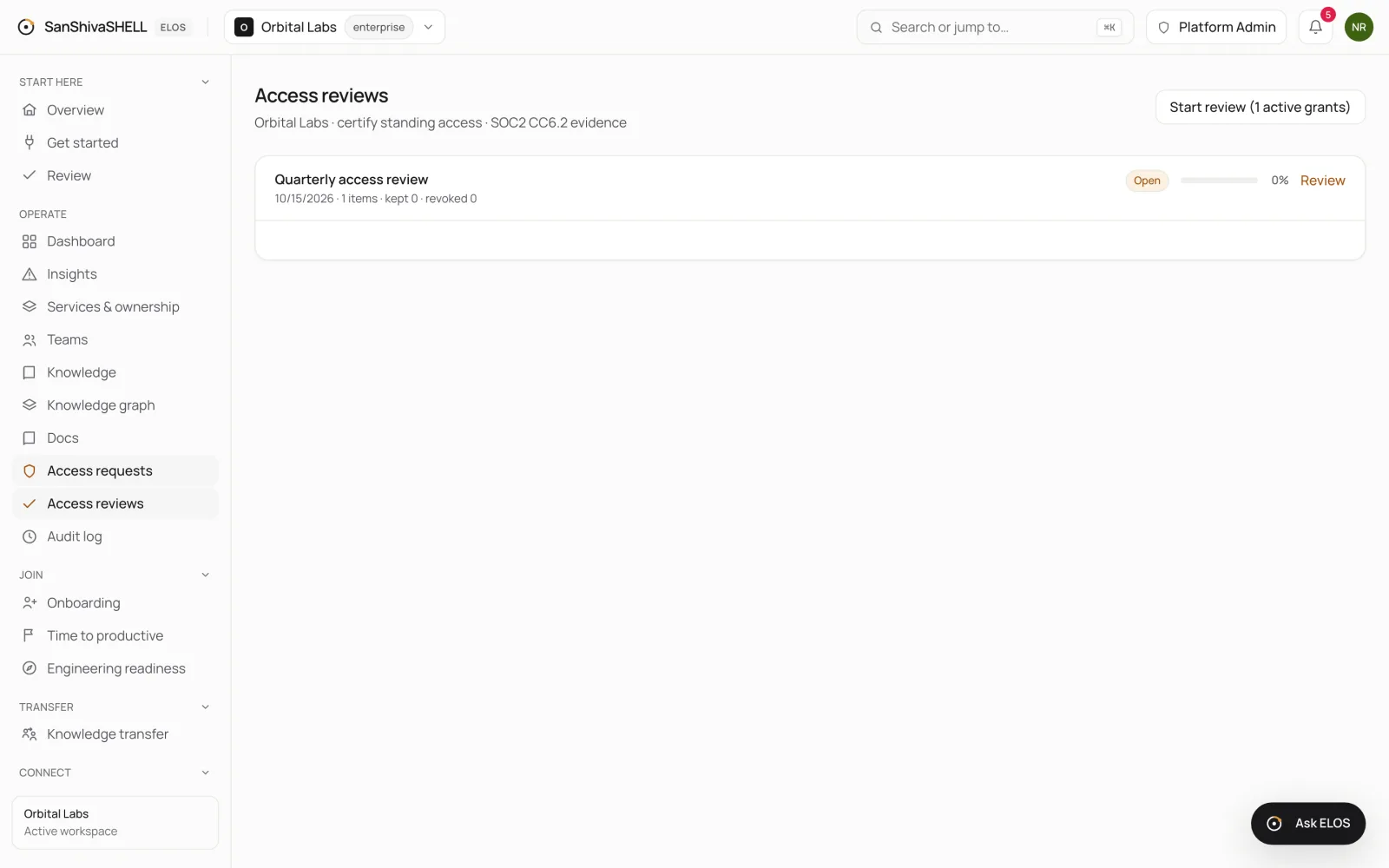
- Open Access reviews. The button shows how many active grants there are, for example Start review (1 active grants).
- Choose it to start a review. It includes every active grant at that moment.
Decide each item
- Choose Review on an open review.
- For each grant, choose Keep if it's still needed or Revoke if it isn't.
- Progress shows how many items are decided. A revoked grant is removed.
Each review records who decided what and when, as evidence for your compliance scope. Set that scope in Settings.
What's next
- Services and ownership: The service catalog: who owns what, what depends on what, and which services have no owner.