Review what your tools disagree on
For administrators 4 min read
When your tools disagree about a service, or ELOS matched something only by name, the decision waits in Review. Settle items one at a time or in bulk.
Before you begin
- The Manage integrations permission (Platform Admin has it).
ELOS builds one catalog from every tool you connect. Most of the time the tools agree and nothing needs you. When they don't, ELOS doesn't guess: it puts the question in Review, with what each tool says, and waits for your decision.
What lands in Review
| Item | What happened | Your choice |
|---|---|---|
| Matched by name | Two tools describe services with the same name, but nothing stronger (a repository link, a catalog file) ties them together | Same service to merge them, or Different services to keep them apart |
| Several possible matches | Something from a tool could be one of several services | Pick the right one, or Keep separate |
| Owners disagree | Two tools name different owners for the same service | Choose which owner is right |
Every choice is between what your tools already say. You never type a new value here.
Settle items
- Open Review in the sidebar. To review is selected.
- Read what each tool says on an item, then choose the answer.
- To settle several items at once, select them and choose Confirm selected or Dismiss selected.
- Settled items move to Confirmed or Dismissed, so you can see what was decided and by whom.
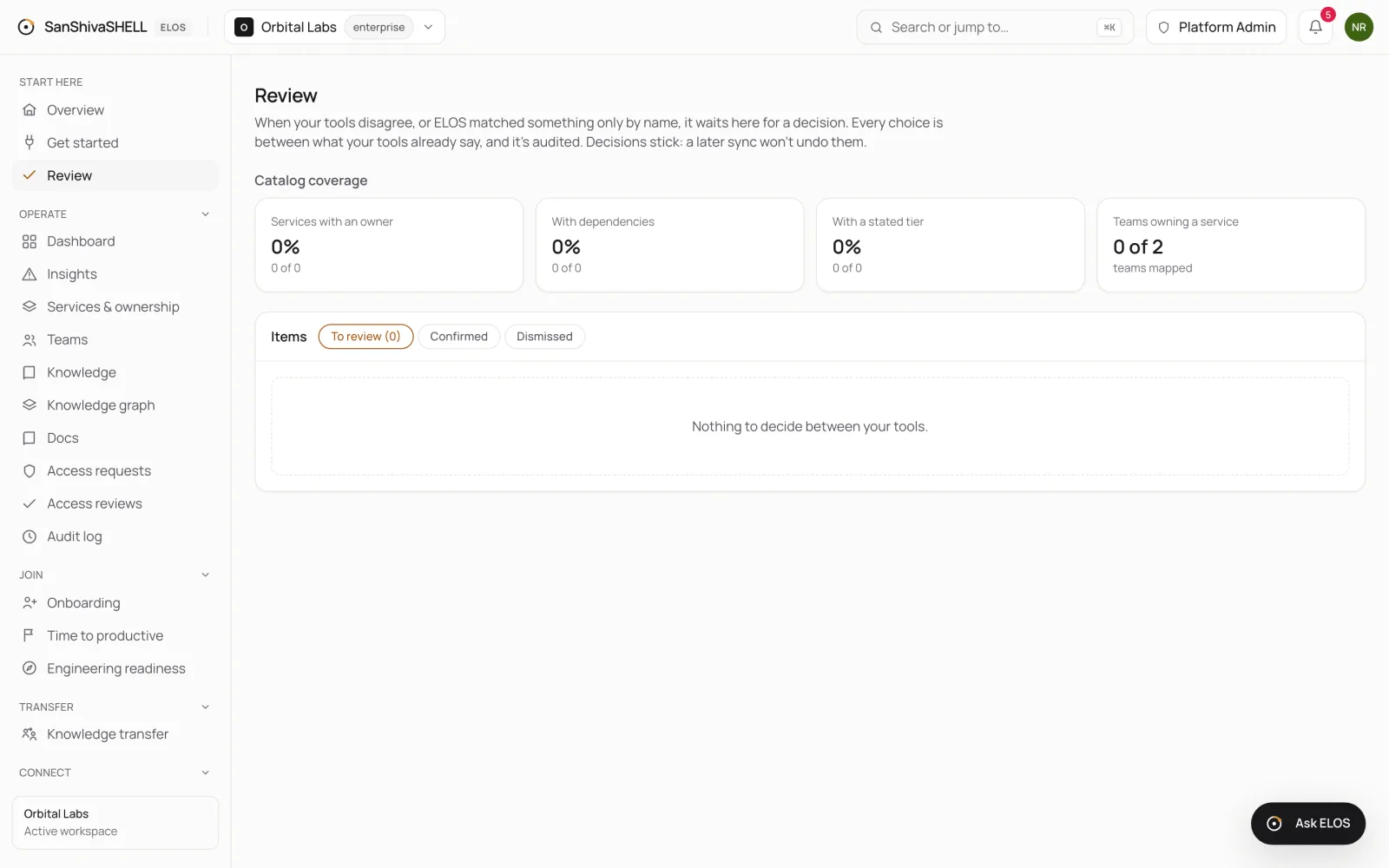
Catalog coverage
Catalog coverage, at the top of the page, shows how complete your catalog is: services with an owner, with dependencies, with a stated tier, and teams that own a service. Coverage rises as you connect tools and settle items.
What's next
- Set up your organization: Establish your organization by connecting the tools you already run, in the order engineering onboarding needs. Discovery runs in the background and progress updates live.
- Onboarding templates: ELOS proposes each engineering team's day-one plan from your tools. Approve it once, and everyone your identity provider adds to that team gets it automatically.