Memory and conversations
For engineers, engineering managers 3 min readAvailability depends on your plan
Tell Ask ELOS what to remember about you, see and delete it, and manage or download your conversations.
Memory
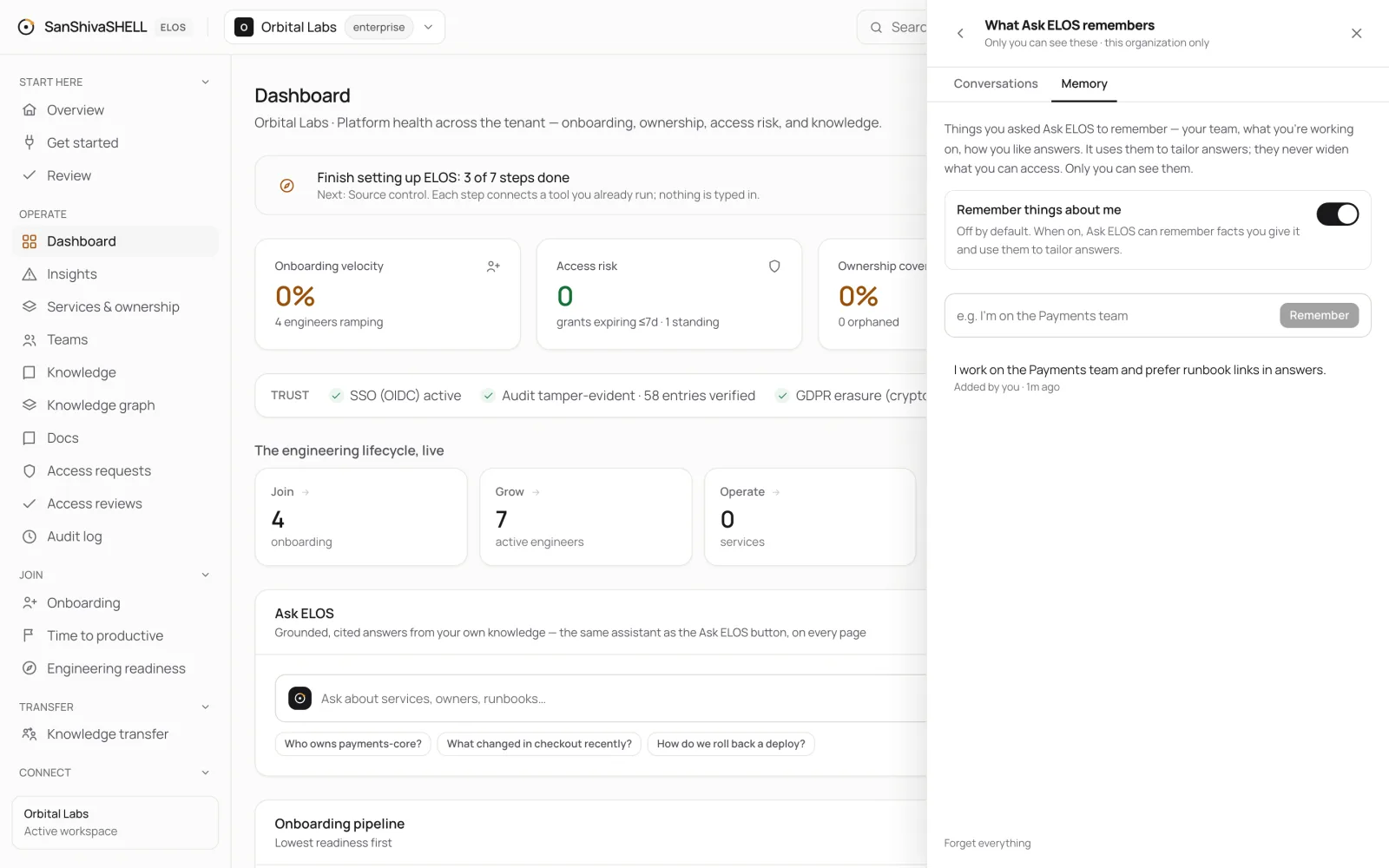
Ask ELOS can remember things you tell it: your team, what you're working on, how you like answers. It uses them to tailor answers. Memory never widens what you can access, and only you can see it.
- Open Ask ELOS and choose the clock button, then Memory.
- Type what to remember, for example "I'm on the Payments team", and choose Remember.
- Delete an item at any time, or choose Forget everything.
Conversations
- Conversations lists your past conversations; open one to continue it.
- Download my conversations (JSON) exports all of yours. It never includes anyone else's.
- Conversations are encrypted and deleted after the retention period your administrators set.
Administrators can turn conversation history and memory off for the whole organization. See Workspace settings.
What's next
- AI and your data: What Ask ELOS can read, who controls it, and how your data is protected when AI is involved.