Browse the documentation
Product overview
SanShivaSHELL ELOS is the Engineering Lifecycle Operating System. It runs an engineer's journey through your organization and keeps the knowledge they create as a permanent organizational asset.
What is ELOS
ELOS turns each stage of the engineering lifecycle into a workflow you can see and audit: getting people productive, governing what they can access, tracking what they own, and preserving what they know. It works on top of the tools you already use and never becomes your system of record.
Who it's for
- Engineering leaders who want new engineers productive sooner and knowledge that survives team changes.
- Engineers in every role who need to find owners, context and access without chasing people.
- Security and compliance teams who need every access grant requested, approved, time-bound and recorded.
Five pillars, seven steps
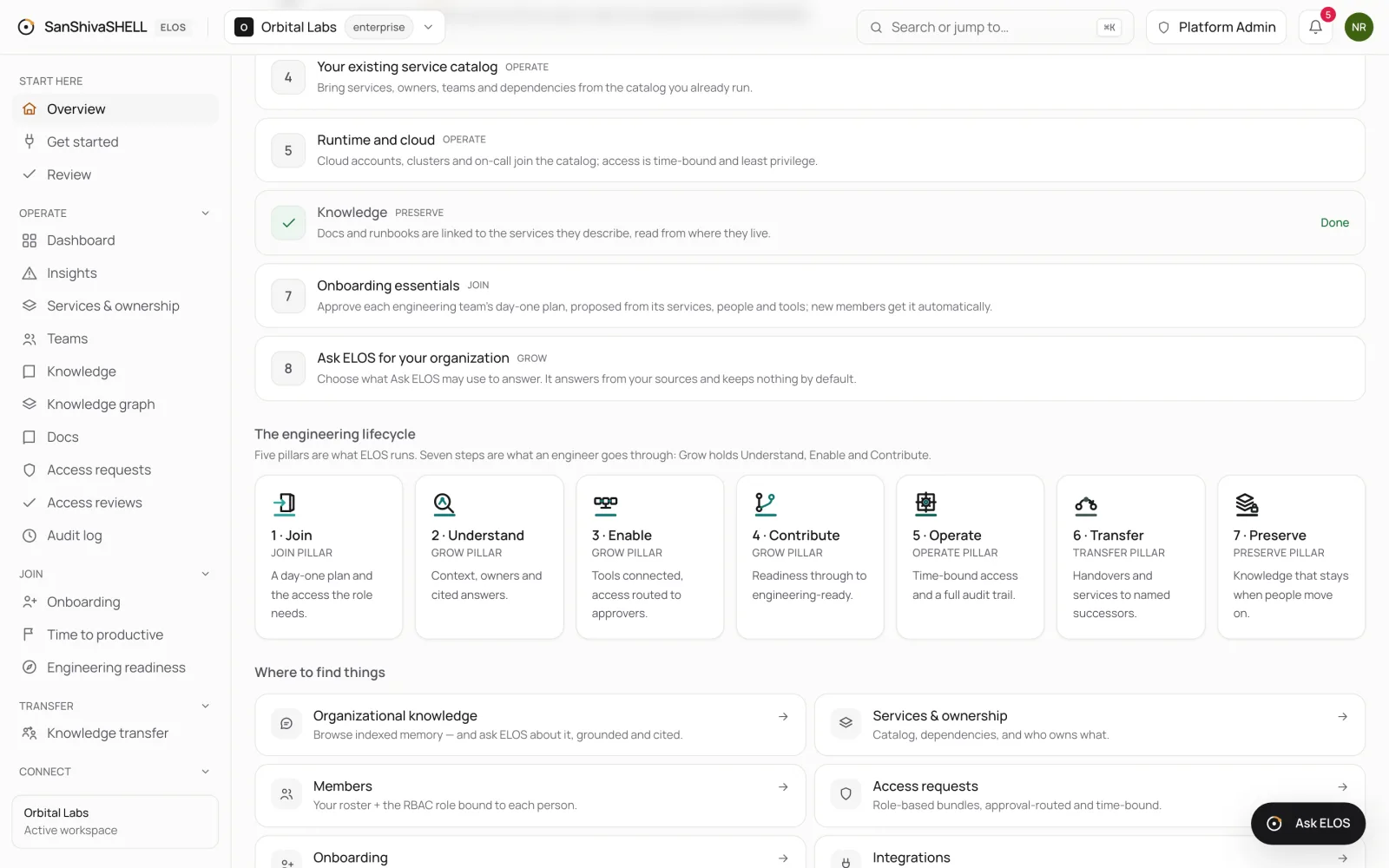
Five pillars are what ELOS runs: Join, Grow, Operate, Transfer and Preserve. Every capability belongs to exactly one of them, and they organize the product, these docs and your plan.
Seven steps are what an engineer goes through inside those pillars, from the day HR hands over to long after they move on. Grow is the only pillar with more than one step, because becoming productive is where most of a new engineer's first months go: first they understand the system, then they're enabled with the right tools and access, then they contribute until they're engineering-ready. Only then do they operate.
Join pillar:
- Join
Grow pillar:
- Understand
- Enable
- Contribute
Operate pillar:
- Operate
Transfer pillar:
- Transfer
Preserve pillar:
- Preserve
| Step | Pillar | What ELOS does |
|---|---|---|
| 1 · Join | Join | An onboarding journey with a day-one plan, the access bundle the role needs, and readiness per person. |
| 2 · Understand | Grow | Project context, services and owners, and cited answers from your own knowledge. |
| 3 · Enable | Grow | Your tools connected and verified; access requests routed through the right approvers. |
| 4 · Contribute | Grow | Readiness through to engineering-ready, time to productive, and docs written in ELOS. |
| 5 · Operate | Operate | A service catalog with dependencies, time-bound privileged elevation, and a tamper-evident audit log. |
| 6 · Transfer | Transfer | The access change on a role move, a knowledge-transfer plan on departure, and services to named successors. |
| 7 · Preserve | Preserve | Organizational memory your team can ask, ownership gaps flagged, and your retention rules. |
Ask ELOS
Ask ELOS answers questions from your organization's own knowledge. Each answer cites its sources; when the sources don't support an answer, it says so instead of guessing.
- Permission-scoped. It reads only what the person asking may read, by role and by team, tier or service.
- Admin-bounded. Workspace admins choose which data domains AI may read at all.
- Drafts, not actions. It can draft an access request, elevation, handover task or service-desk ticket. A person confirms, and normal approvals apply.
- Private memory. It remembers only what you ask it to, encrypted to you. Conversations are encrypted and follow your retention settings.
Security & trust
| Area | What you get |
|---|---|
| Workspace isolation | Every workspace's data is separated at the database layer on every table, with cross-workspace tests. |
| Audit | An append-only, hash-chained audit log you can verify end to end. |
| Access control | Role- and attribute-based permissions, custom roles, and service accounts with scoped keys. |
| Data controls | Retention, legal hold, erasure and full exports under your control. |
| AI | ELOS does not train AI models on your data. Agent drafts pass the same authorization and approvals as a person. |
Where ELOS fits
ELOS replaces none of your systems. Your HR system, service desk, identity provider and developer portal stay in place; ELOS connects them and runs the engineering workflows that fall between them.