Service accounts and API keys
For administrators 3 min read
Give automation and CI a machine identity with its own role and an API key you can rotate or disable.
Before you begin
- The Manage roles permission.
A service account is a machine identity for automation. It carries a role, built-in or custom, and authenticates with an API key. Everything it does is checked against that role and recorded in the audit log under its name.
Create a service account
- Open Service accounts and choose New service account.
- Enter a Name, for example the pipeline it serves, and choose its Role.
- Copy the API key from API key — copy it now. It's shown once and never again.
- Choose I've saved it.
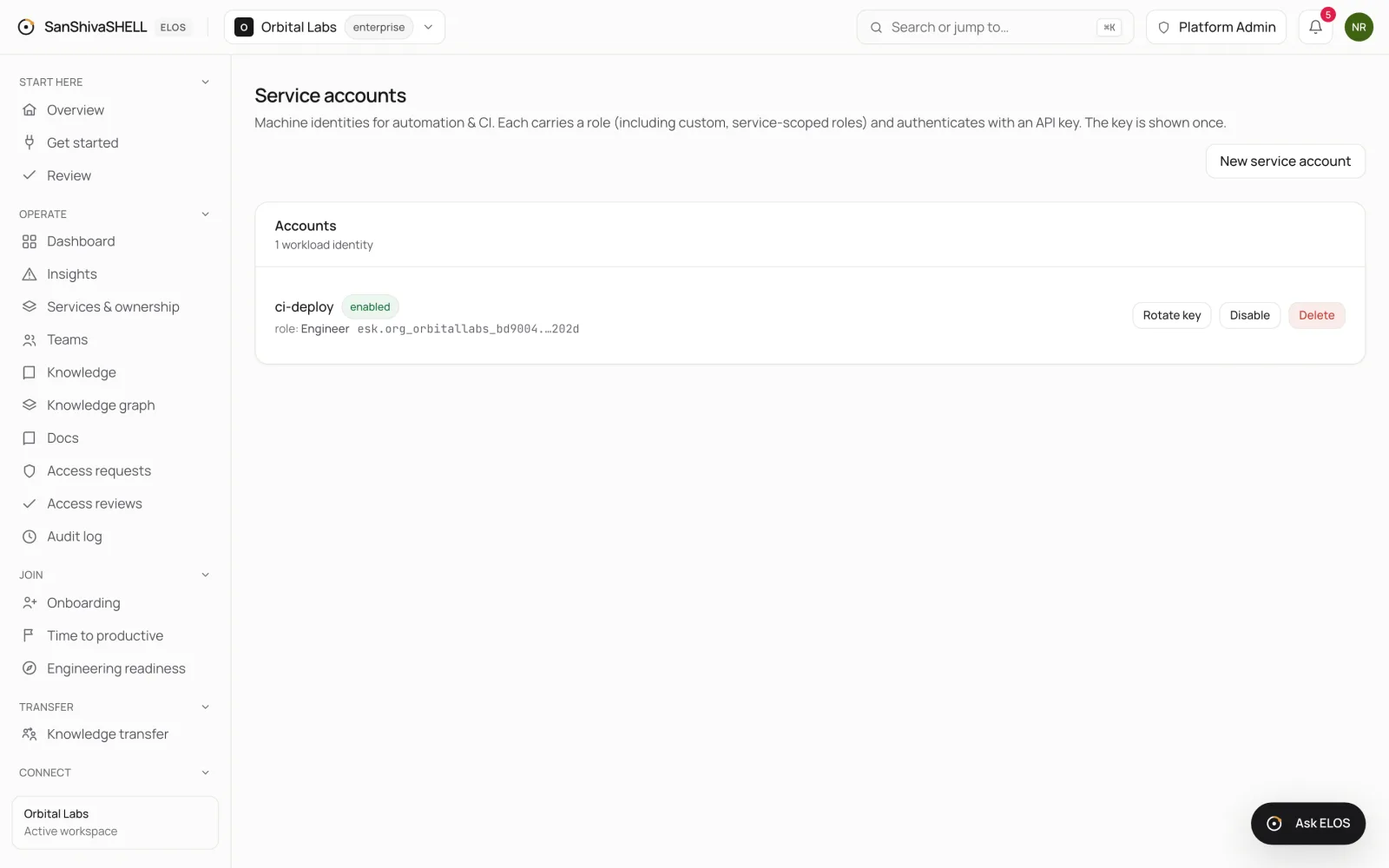
Rotate, disable or delete
- Rotate key issues a new key and stops the old one working.
- Disable stops the account authenticating without deleting it.
- Delete removes the account.
What's next
- Workspace settings: Your workspace's settings, by section: general, identity and sign-in, lifecycle policies, Ask ELOS and AI, data and privacy, plan and usage.