Request access
For engineers 3 min read
Ask for exactly the access you need, with a reason. It goes to the right approver and expires on its own.
Before you begin
- The Request access permission, which every built-in role except Auditor has.
Access in ELOS is least-privilege, time-bound and approval-gated. You ask for a specific resource at a specific level, say why, and an approver decides.
Make a request
- Open Access requests and choose Request access.
- Choose the System, for example source control or a cloud account.
- In Resource + level, enter what you need and at what level, for example
payments-core : write. - In Justification, say why you need it and for how long, for example on-call for this week's payments rotation.
- Choose Submit request.
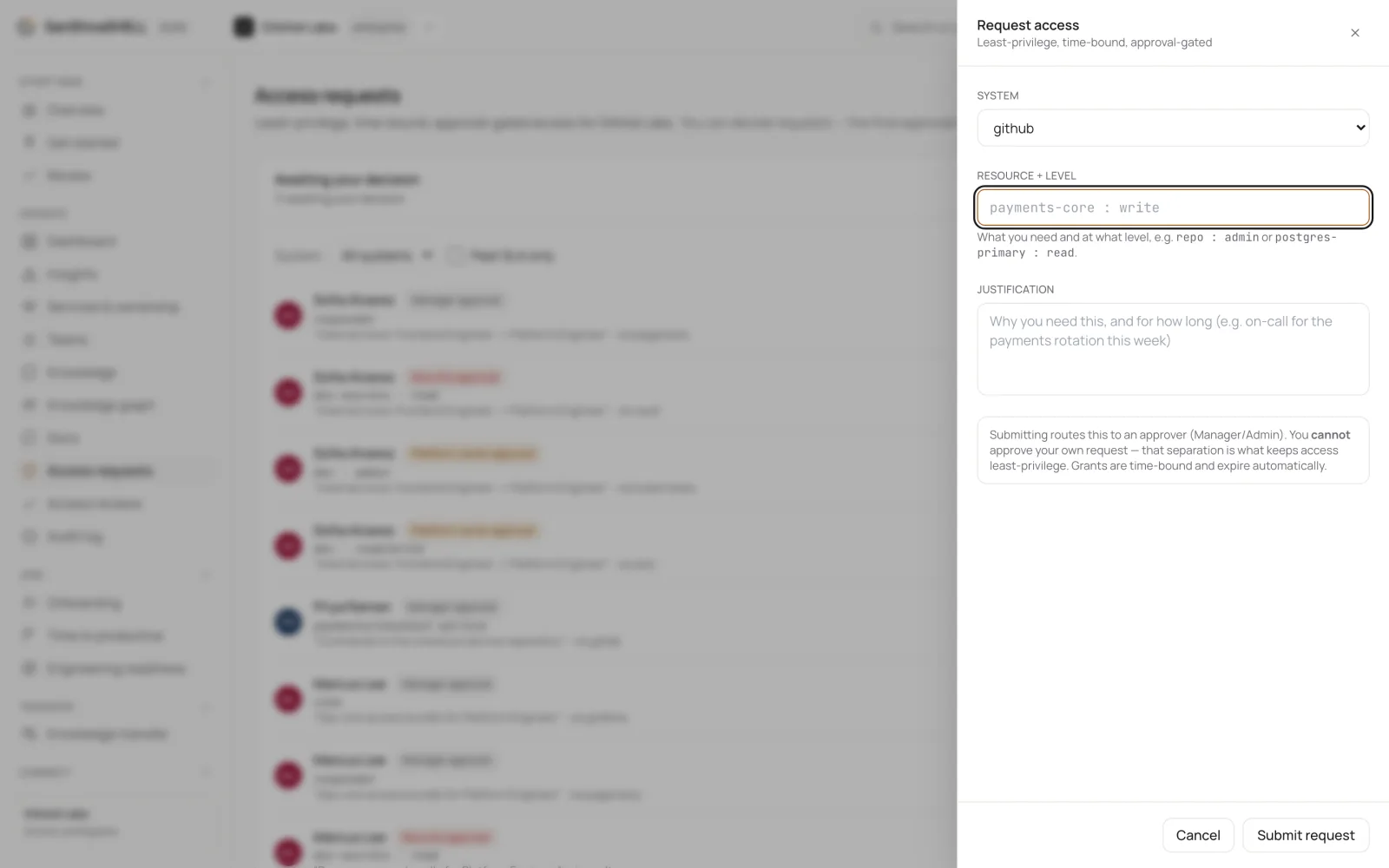
Your request goes to an approver. You can't approve your own request: that separation keeps access least-privilege. When it's approved, you get a grant that expires automatically.
What's next
- Approve access: Decide requests routed to you. Some need more than one approval; the final approval issues a time-bound grant.