The audit log
For administrators, security and compliance 3 min read
An append-only, hash-chained record of every action in your workspace, and how to verify it hasn't been altered.
Before you begin
- The View audit & compliance permission.
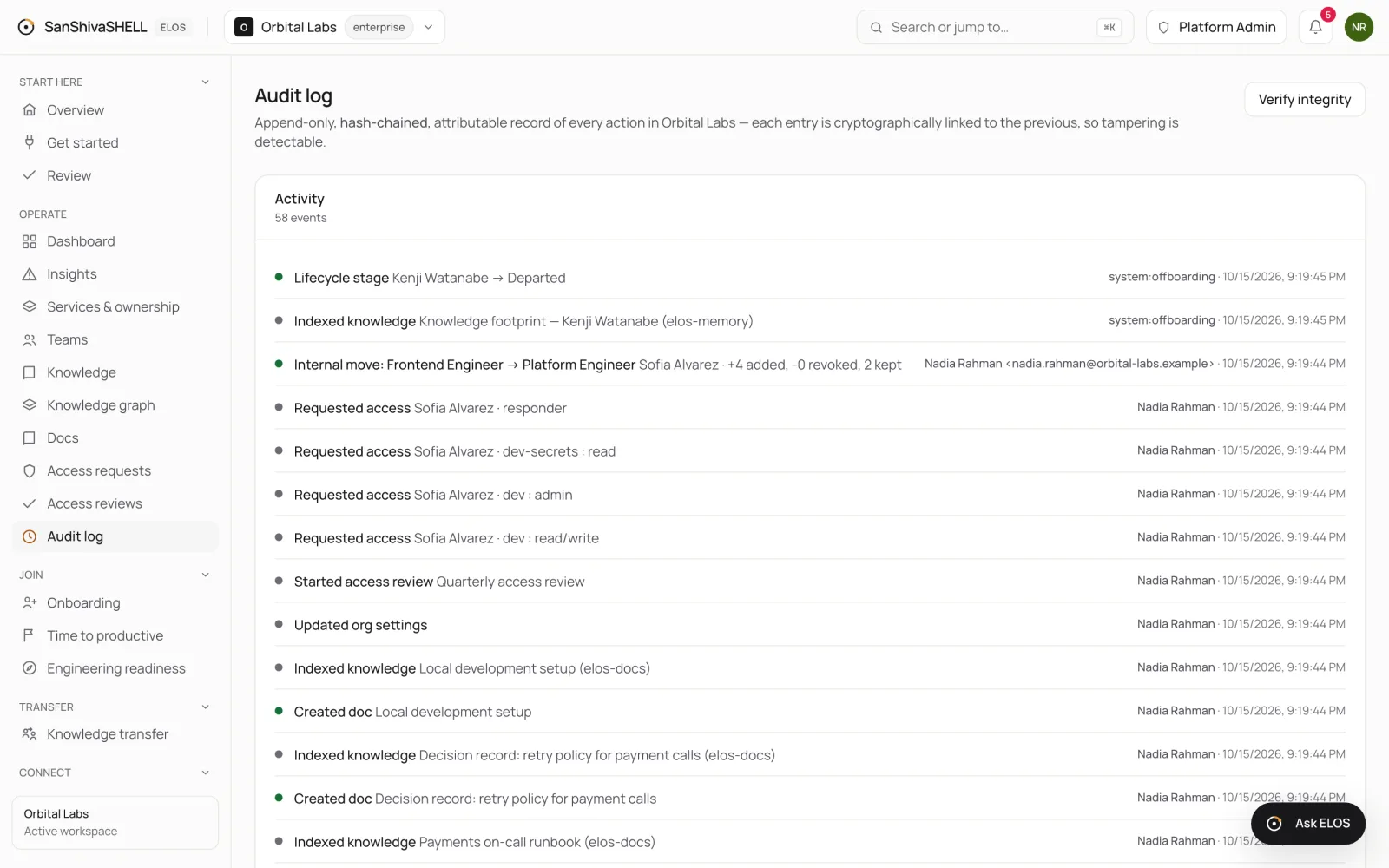
Every action in ELOS is written to the audit log: who did it, what they did, to what, and when. That includes changes made by people, by service accounts and by ELOS's own automation.
Tamper evidence
Entries can only be appended. Each one is cryptographically linked to the one before it, so changing or removing any entry breaks the chain.
- Open Audit log.
- Choose Verify integrity. ELOS recomputes the chain end to end and reports whether it's intact.
The dashboard's trust bar runs the same check and shows how many entries it verified.
Who is recorded
- A person: their name and email.
- A service account: its name.
- ELOS automation: a system actor such as
system:offboarding, so you can tell what ran on its own.
What's next
- What you can automate: Every way data gets into ELOS without typing it: connectors, catalog as code, scheduled sync, identity provisioning and the API.